Tips & Troubleshooting SFTP
Tips to configure SFTP for host-to-host transmission
This quick tip video summarizes the main points to review when configuring SFTP.
Subscription error
You need an active subscription to the Orchid's EFT SFTP service to configure and use SFTP.
If the SFTP subscription expires, and you try to upload a file, you get the following error message:
You do not have a valid subscription to use SFTP
Contact your business partner or Orchid for further assistance.
Error connecting to the SFTP site
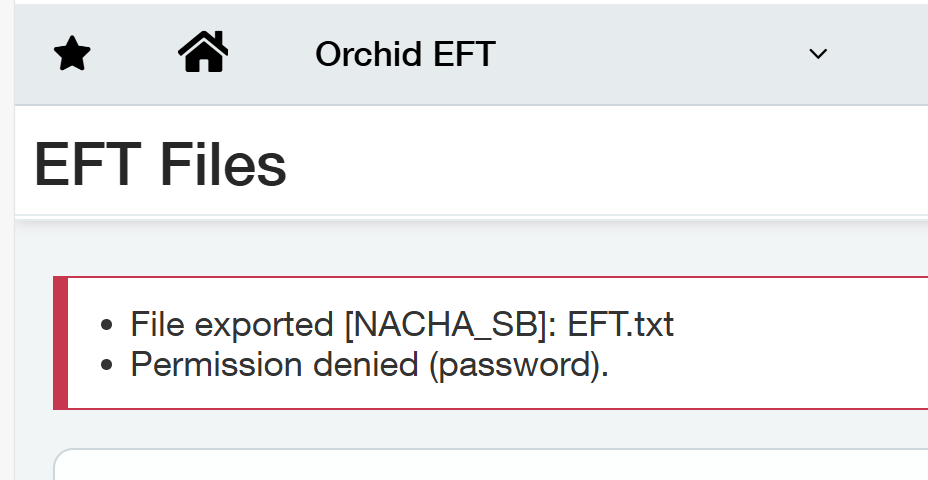
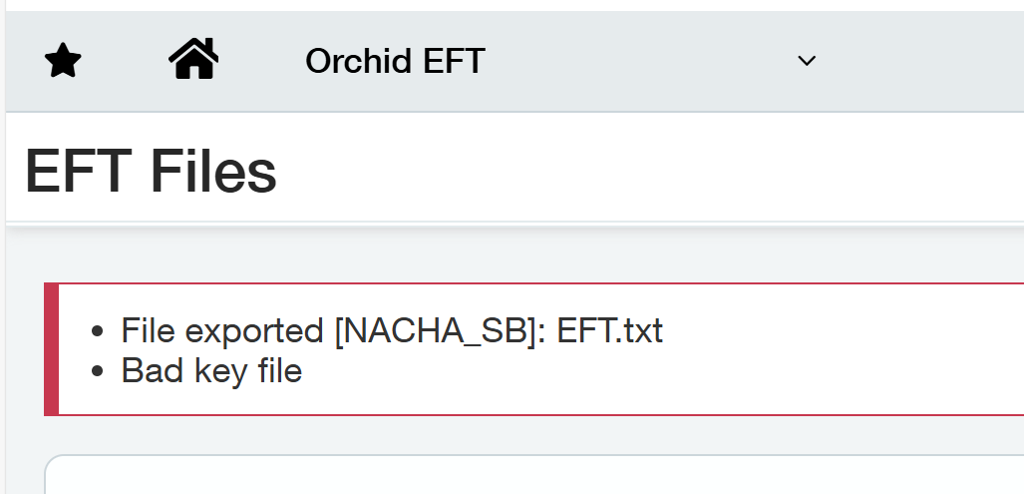
If you get error messages such as Permission denied (Password) or Bad Key File, check the details (username, password and key file) in EFT Banks on the SFTP tab.
Key file error
Error message: Bad key file
-
Test that you can connect to the SFTP server with a FTP client.
-
Check that the key file is in the correct format.
SFTP key authentication requires an OpenSSH RSA private key.
SSH keys consist of:
-
A public key (*.pub) uploaded to the SFTP server (e.g. the bank's or your SFTP server)
-
A private key uploaded to EFT Processing (generally *.ppk)
Important: EFT Processing requires the private key file.
If using a key file, you upload the private key in EFT Banks for Sage Intacct.
Key format
The private key file must contain a header and footer similar to:
-----BEGIN RSA PRIVATE KEY-----
MIIEoQIBAAKCAQEAo962U1qVeERjyfoMIwam3h+17Ei9Ddetm8UysRNOHv3ZI3YF
....
AUx+RYObNhAZ7z54RqyOMO+YXIRob0b7JXv/XpusA+BBA1eE/w==
-----END RSA PRIVATE KEY-----
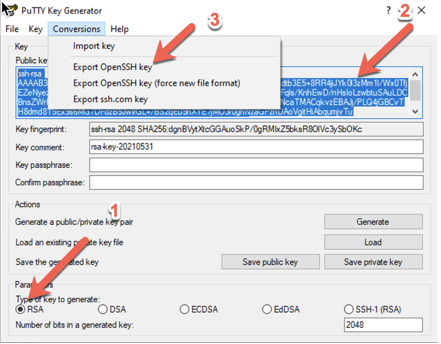
Using PuTTY Key Generator to generate the private key