Importing EFT Banks
You can import EFT bank records for new Bank and EFT File format combinations. You cannot update existing EFT bank / EFT File formats records.
We suggest to configure at least one bank in the Sage Intacct interface to be familiar with the fields required for your EFT file format. You can then prepare the import file. You can update the fields in an Excel file, but you need to save it as a CSV file to import into Sage Intacct.
For details, refer to:Configure EFT Banks
Key Steps
Step 1. Prepare the import file
-
Create an EFT Bank record in the EFT Bank screen.
-
Download the EFT Bank import template. EFT_BANK_ImportTemplateDefinition.xlsx
-
Add all details for the banks and EFT file formats you need.
-
Save as a CSV file
If you build your own import template, review the import template definition spreadsheet for list of valid values for certain fields.
| EFT_BANK |
Formula to join Bank code and File format, separated by " - " Copy from the spreadsheet as the spacing is important. Example: If the bank code is 600_CHK and the format is CAN_CPA005, enter 600_CHK - CAN_CPA005 |
| ACCOUNT_TYPE |
Values: CHECKINGACCOUNT SAVINGSACCOUNT CREDITCARD |
| FILE_TYPE |
Valid values: payment receipt |
| PAYMENTMETHODS |
Values to be enclosed with pipe: e.g. |5| for EFT/Record Transfer Valid values: 1 = Printed Cheque 3 = Credit Card 5 = EFT/Record Transfer 6 = Cash 12 = ACH Multiple Values can be selected: e.g. |1|5|6| |
| DESTINATION_TYPE |
Leave blank to download SFTP to upload to a SFTP server |
| KEY_FILE | The key file cannot be imported. You need to upload the file in EFT Banks for each bank. |
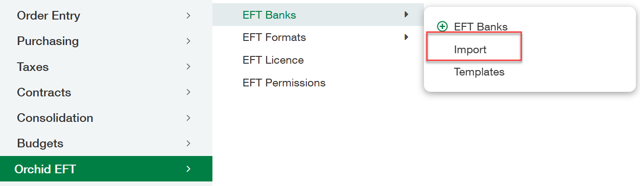
Step 2. In Orchid EFT, select the EFT Banks > Import menu
EFT Bank - Import.
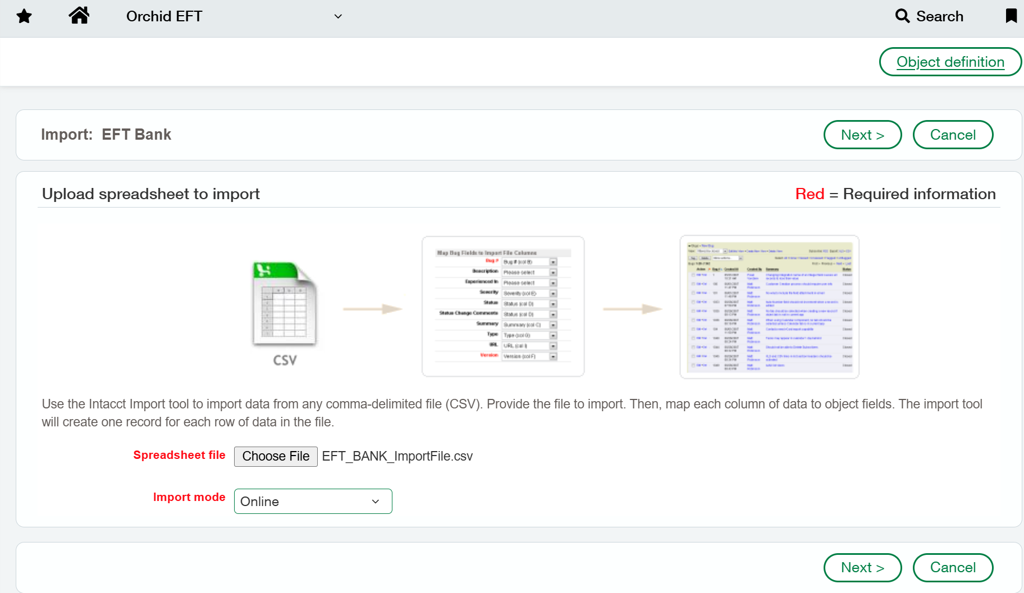
Step 3. Select the file
-
Choose file and browse to where the CSV file is saved
-
Select as Online
-
Click Next.
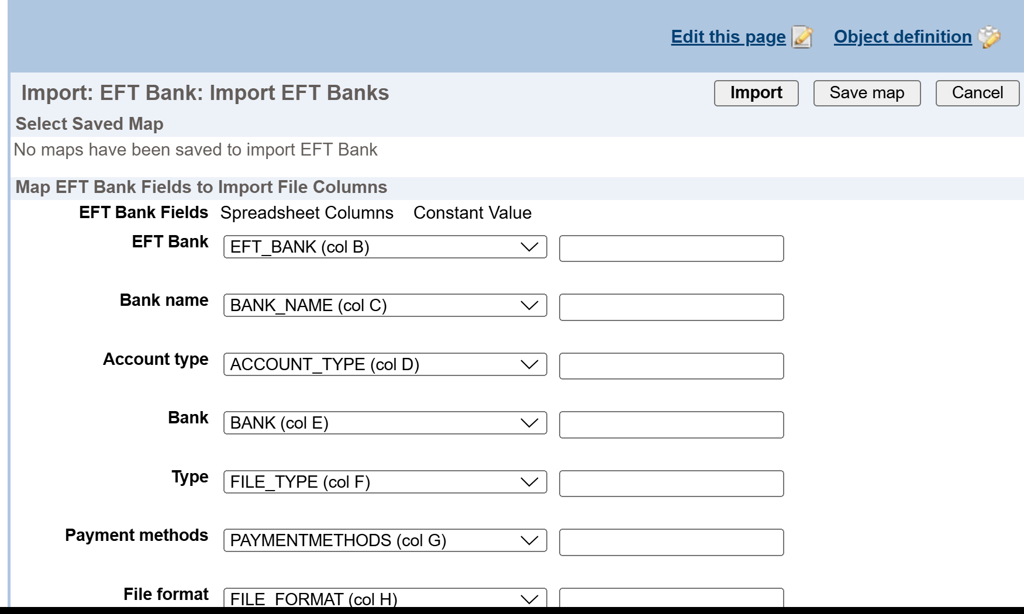
Step 4. Map the fields
You can map the to the columns of the import file.
The attached template includes the fields in the same sequence as those displayed.
Any fields that are not required in the import can be skipped in the mapping.
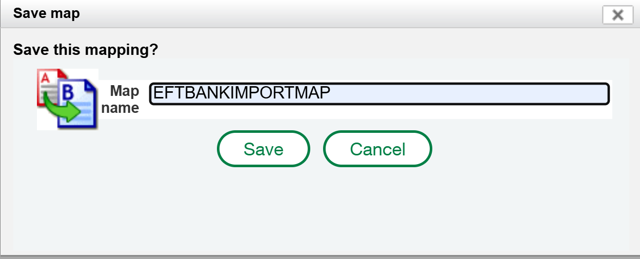
Step 5. Save the map
Click on Save Map and give the mapping a name, so the mapping can be used on next import.
Step 6. Run the import
-
Click on Import
-
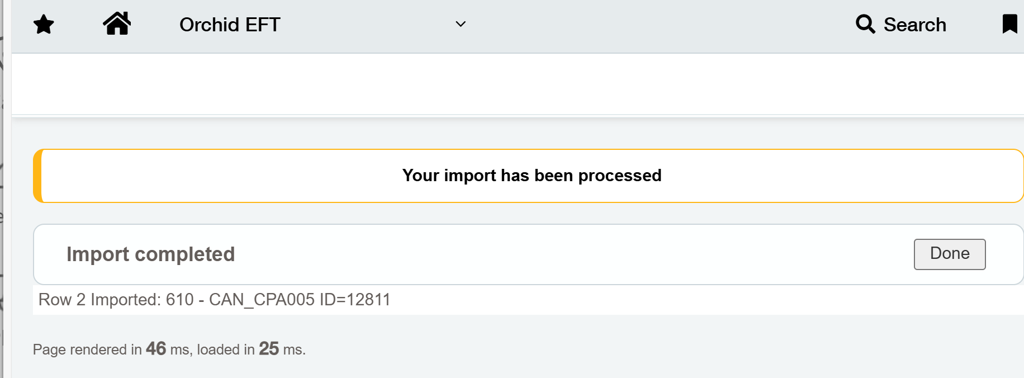
A message will show how many records are imported successfully.
-
If the import has any errors, update the import file and try again.
Troubleshooting EFT Bank import
You can use the import only to create new EFT Bank records. The Bank code and EFT File format must be unique.
If the import file includes a bank / EFT file format that already exists, you get an error for the duplicate rows.
Import error in row x: Bank and Format must be unique.