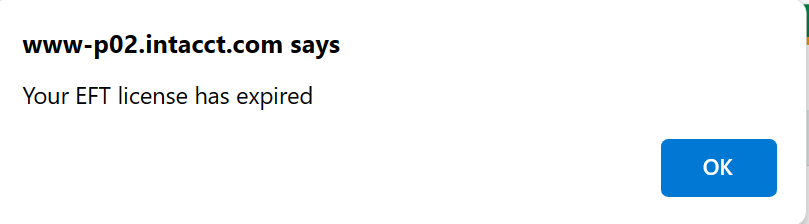
A Licence code is required to use EFT Processing for Sage Intacct.
Licence types
Available features in the EFT Processing application depend on your License code.
You can purchase separate subscriptions for EFT Processing for :
-
AP Vendor Payments
-
AR Customer Payments (Direct Debits)
-
Employee Expenses payments
-
SFTP upload
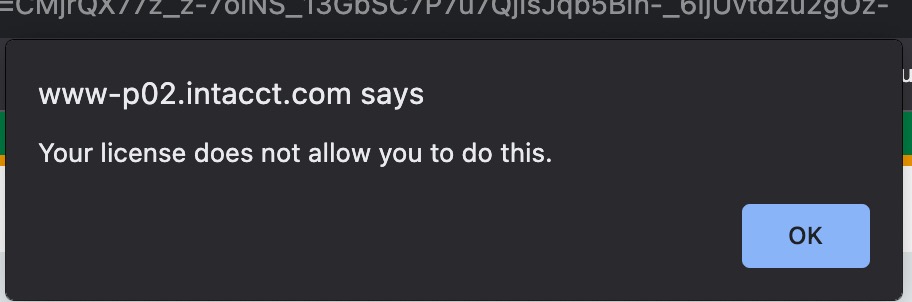
If you don't have the relevant activation code, you get an error message:
Your Licence does not allow you to do this.
How to get an activation code
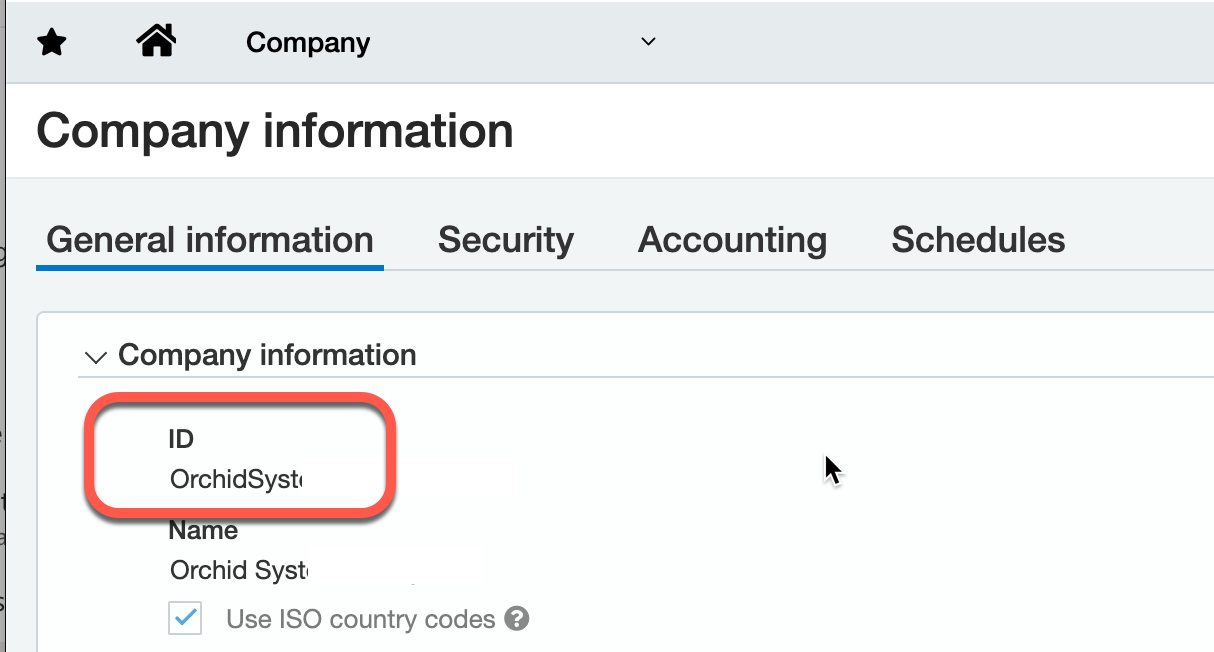
To activate a subscription for EFT Processing, you need to send the Sage Intacct Company ID to Orchid so that we can generate the appropriate Licence code.
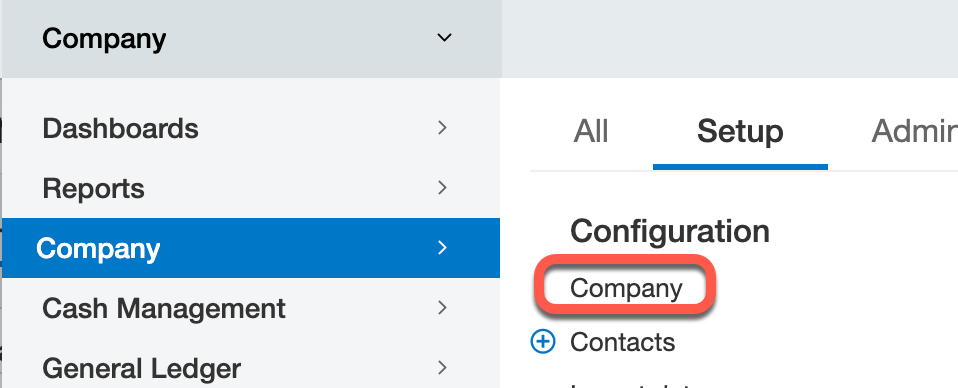
The Company ID matches the Sage Intacct Company ID on the Company>Setup > Configuration > Company > General Information
License for test sites
With active subscriptions for EFT Processing, you are entitled to a code for your implementation / sandbox instance. Send a screenshot of the Implementation Company ID to receive the IMP code.
Trial licence
Contact your Sage partner to organize a trial code or purchase a subscription. Orchid needs your Sage Intacct Company ID.
Troubleshooting
Expired license
Users cannot generate an EFT File or download / hold / refresh / confirm a file without a valid activation code.
They get an expired Licence message as below.