O/E Order default values and data validation - Template and Order Type
BUSINESS REQUIREMENT
A company wants to configure O/E so that some users can only enter O/E Quotes.
KEY LEARNINGS
Module includes a View script attached to Order Header View OE0520.
Use a module for ease of deployment.
Requirement! The sample module is available for Sage 300 business partners to download on the Orchid website.
EXTENDER SETUP KEY STEPS
Install the latest product update for Extender.
In Extender Setup > Modules, import the downloaded file.
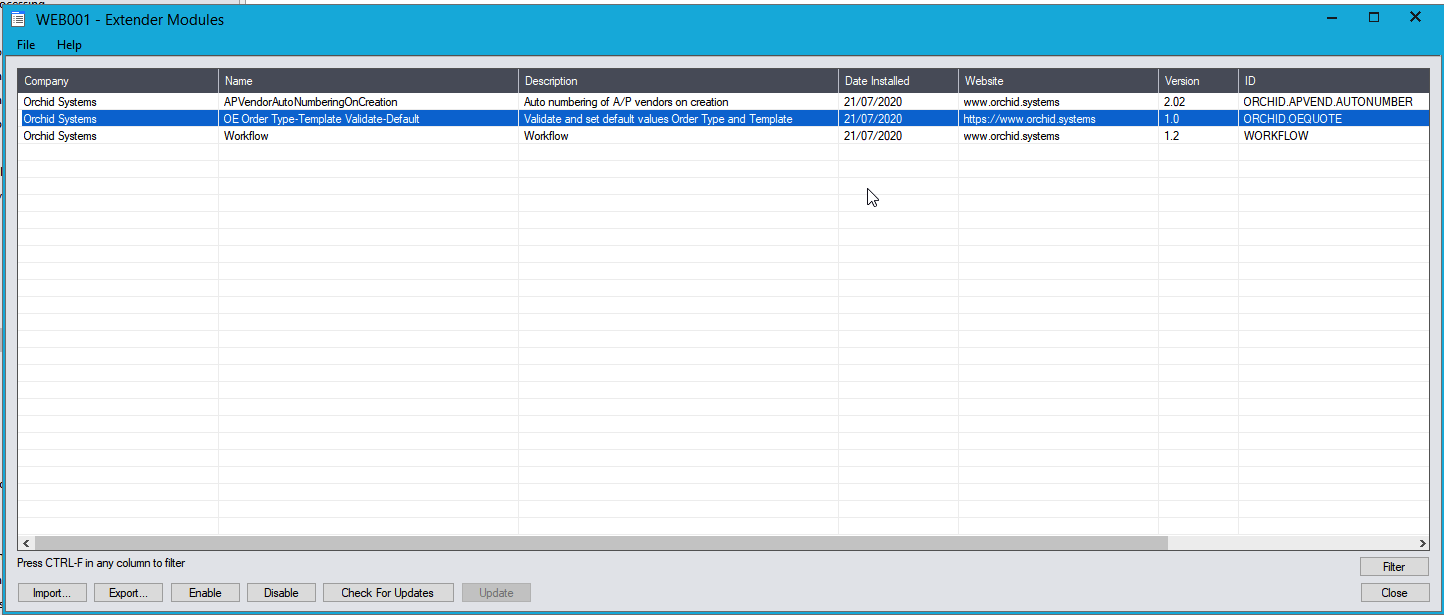
Restart the Sage desktop.
 You can view the script in Extender Setup > Scripts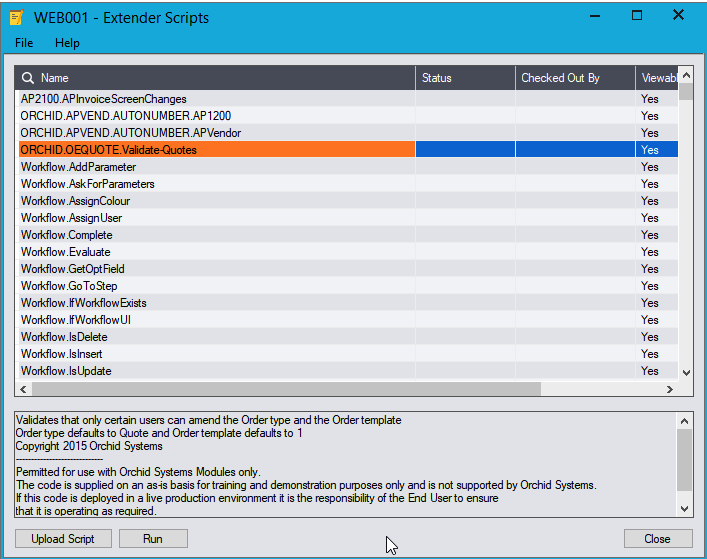
VARIATIONS
You can modify this sample script to cater for more complex requirements.
- Use a parameter list configured in View Events, Scripts and Workflow for the list of valid users and the default quote.
- Use custom tables to link users and default templates
- Default OE Order template based on customer's attribute
- Use Sage security profiles.
TESTING
Create two O/E Templates, ACTIVE for Active Orders, 1 for Quotes.
Login to Sage 300 as a user who is not ADMIN.
In the OE Order screen, enter a customer number: The template defaults to 1 and the Order type field = Quote and is not editable.
This functionality requires Extender Developer.