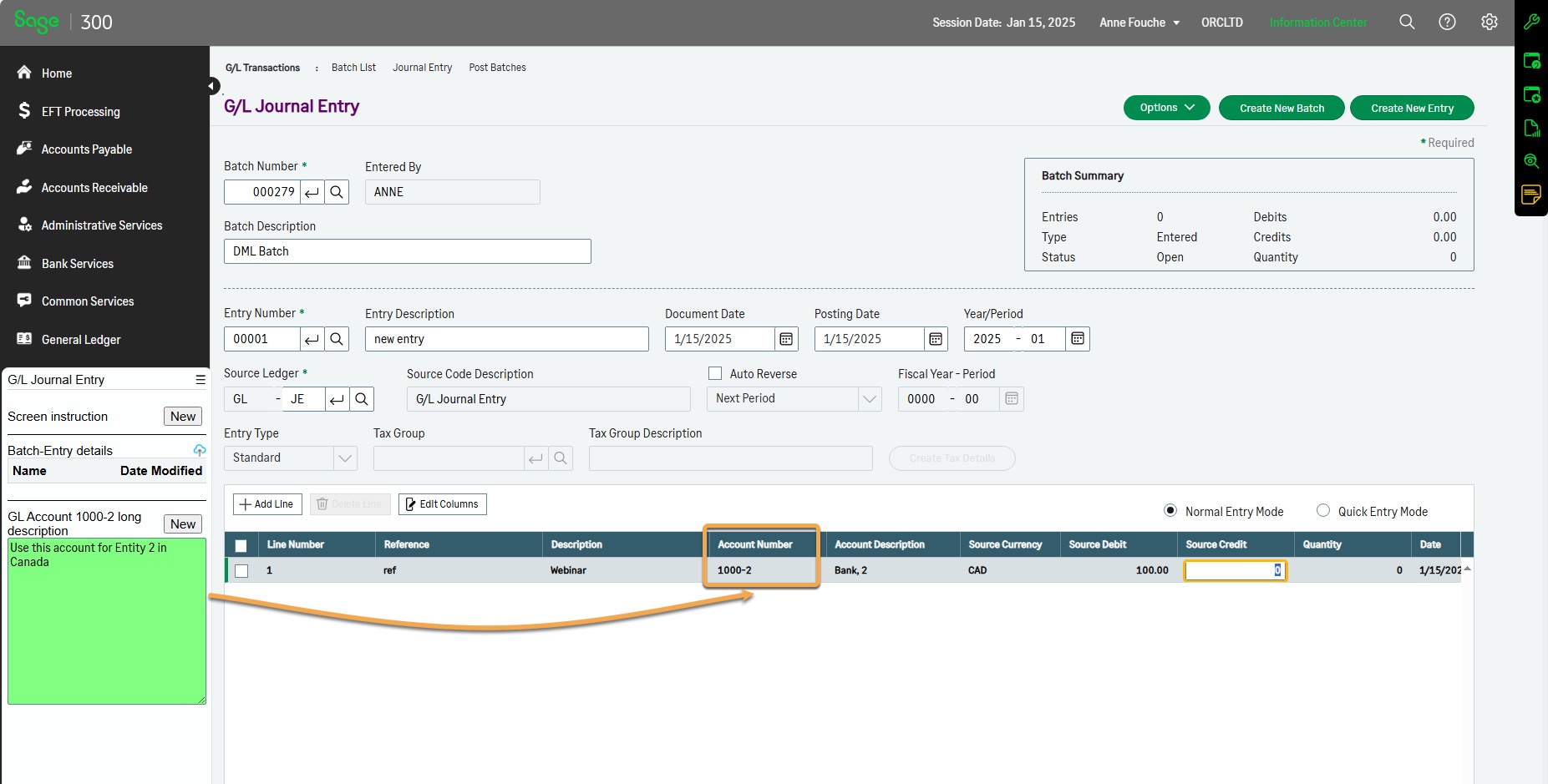
Documents and Notes with Sage 300 G/L Accounts
Scenario:
Finance team needs to enter long comments when creating new G/L Accounts. Then also want to view the comments when entering G/L Transactions.
They save spreadsheets and instructions regarding G/L Journals entered in Sage 300.
G/L Account examples
Demo Steps:
View G/L Account 1000-2 and view the Note.
You can add Notes for other GL Accounts, using the New button in the Tray, on the desktop or the web screens
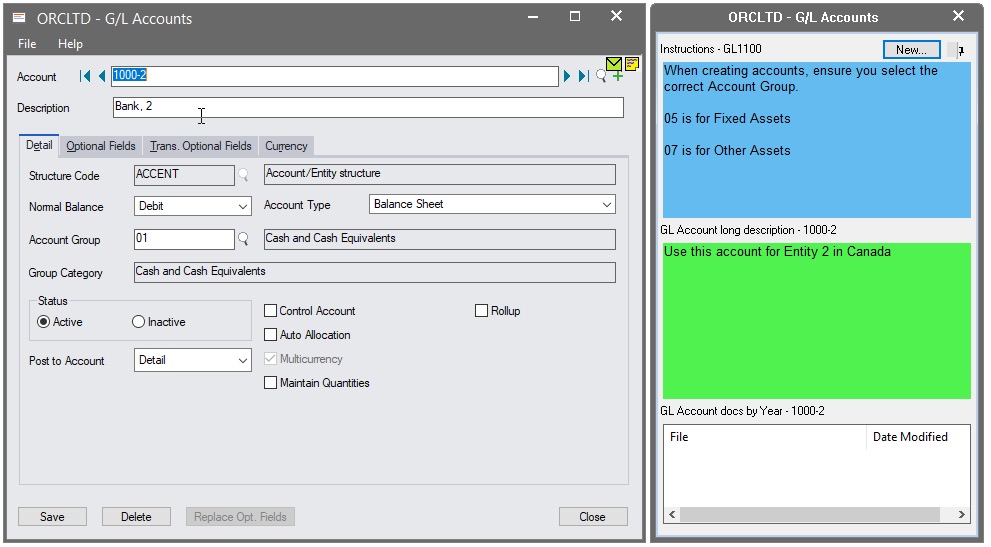
Entering a G/L Transaction with Notes
Demo Steps:
If some users logon to Sage using the Web Screens, you can add a G/L Journal and use an account with a note as per above.