Roles and Permissions Examples
For background on EFT roles and permissions, refer to: Create Orchid EFT Roles
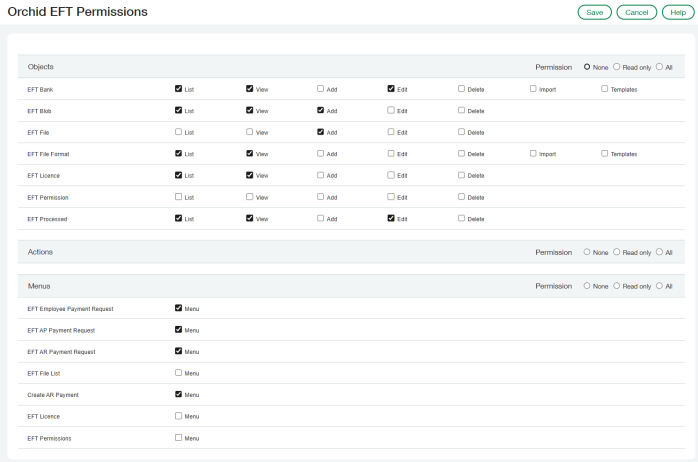
User can generate an EFT File - but cannot use EFT File List at all
-
Objects in Intacct Roles and permissions:
- List, View, Edit for EFT Bank
- List, View, Add for EFT Blob
- Add for EFT File
- List, View for EFT File Format
- List, View, Edit for EFT Processed
-
Menus: only EFT Payment request.
-
The example includes AP, AR and Employee payment request menus. Adjust to your requirements.
-
No menu for EFT File list so the user can’t see the files.
-
-
No permissions in Orchid EFT Permissions table
User can view the EFT Files and their status, but cannot download
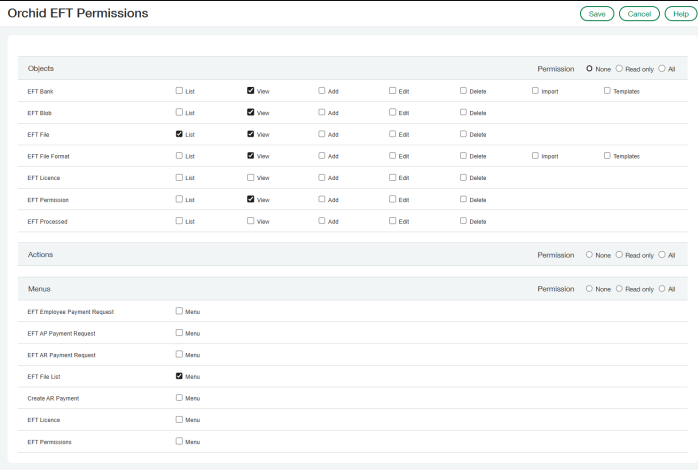
Scott can use EFT File list to see what has been generated - and the status of the files, but cannot download an EFT file.
-
Objects: Read only access with List and View for EFT File, EFT Processed, EFT Blob and EFT Bank, EFT Licence and EFT File Format
-
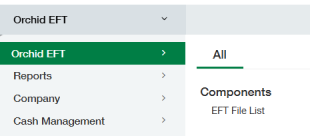
Menus: only EFT File list
-
No permissions in Orchid EFT Permissions table
User Can only download/upload a new file
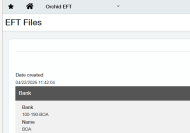
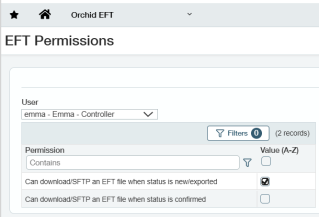
Emma cannot generate a file, but can download a new file. Emma cannot download an exported or confirmed file.
With User A to generate and User C to download/upload, you can enforce separation of duties.
-
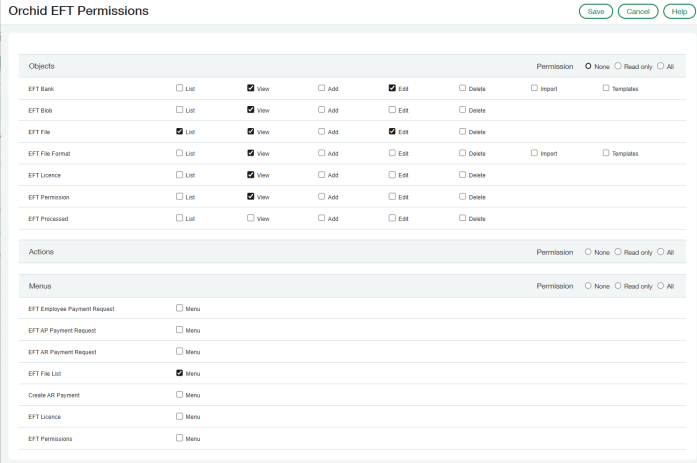
Objects: View and Edit for EFT File and EFT Bank, List and View for EFT Blob, EFT File format, EFT licence and EFT permission
-
Menus: only EFT File list
-
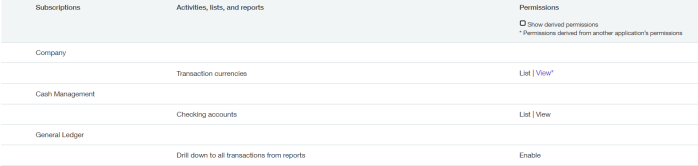
Permissions in Orchid EFT Permissions table: Only for new files
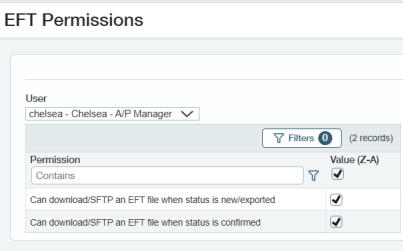
User can download any file
Chelsea can re-download/upload a confirmed file and download a new file too.
-
Cannot generate a file, so no permissions on the EFT Payment request menu -
-
As above, but permissions in Orchid EFT Permissions table for confirmed files and new files.